Overview
So you’ve found Fablecast, and you want to start playing
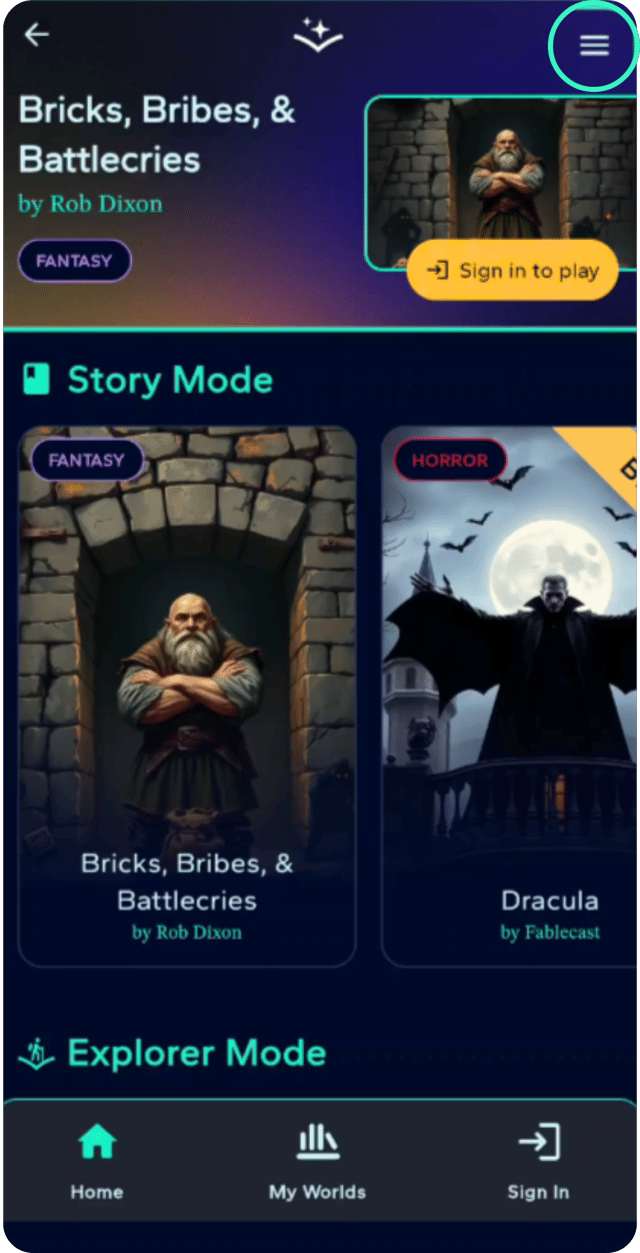
Alright, fellow adventurers, fire up the game, and boom! You're hit with a magical buffet of over 15 epic tales just begging for your attention in Explorer and Story modes. It's like your own bookshelf, but with dragons and plot twists! Check out the synopses of the stories before you dive headfirst into a quest that’ll have your imagination doing backflips. Go on, pick a story, and let's get this adventure started!

Step-by-Step Guide
- 1
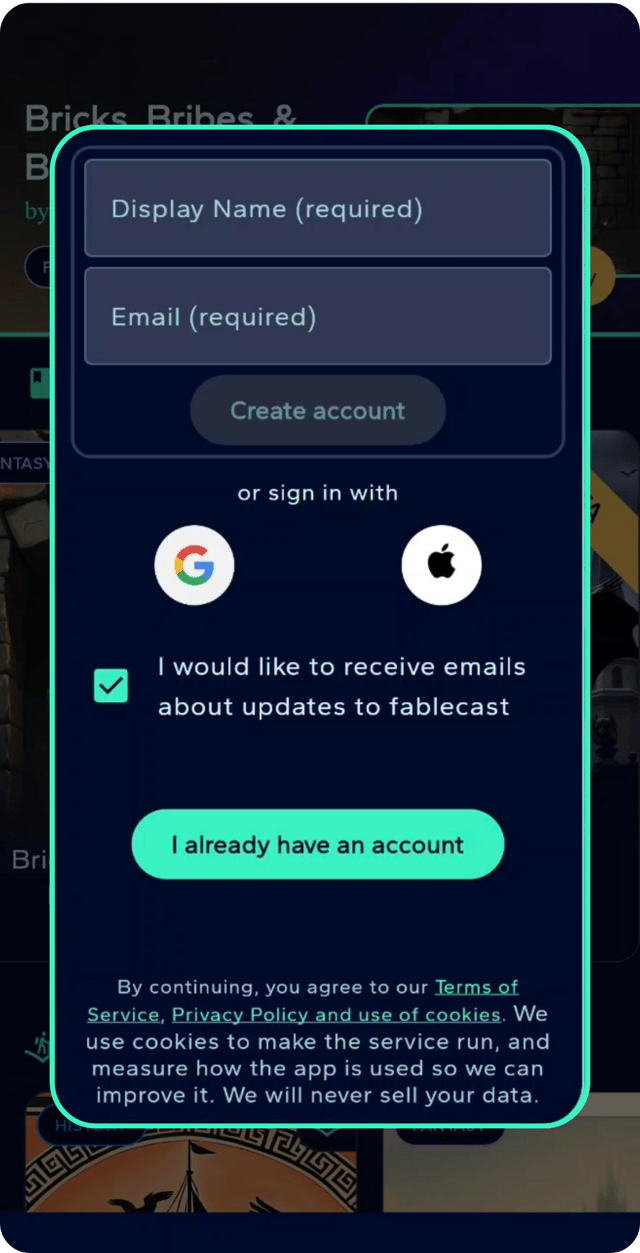
Ready to dive into a magical world? Just hit that log-in button! Once you're in, it's time to cannonball into any story that tickles your brain. And hey, if you need a quick breather, feel free to teleport back to our main menu to sift through our treasure chest of tales. With over 15 epic narratives across more than 7 genres, we promise there's a little something for every adventurous spirit.
- 2
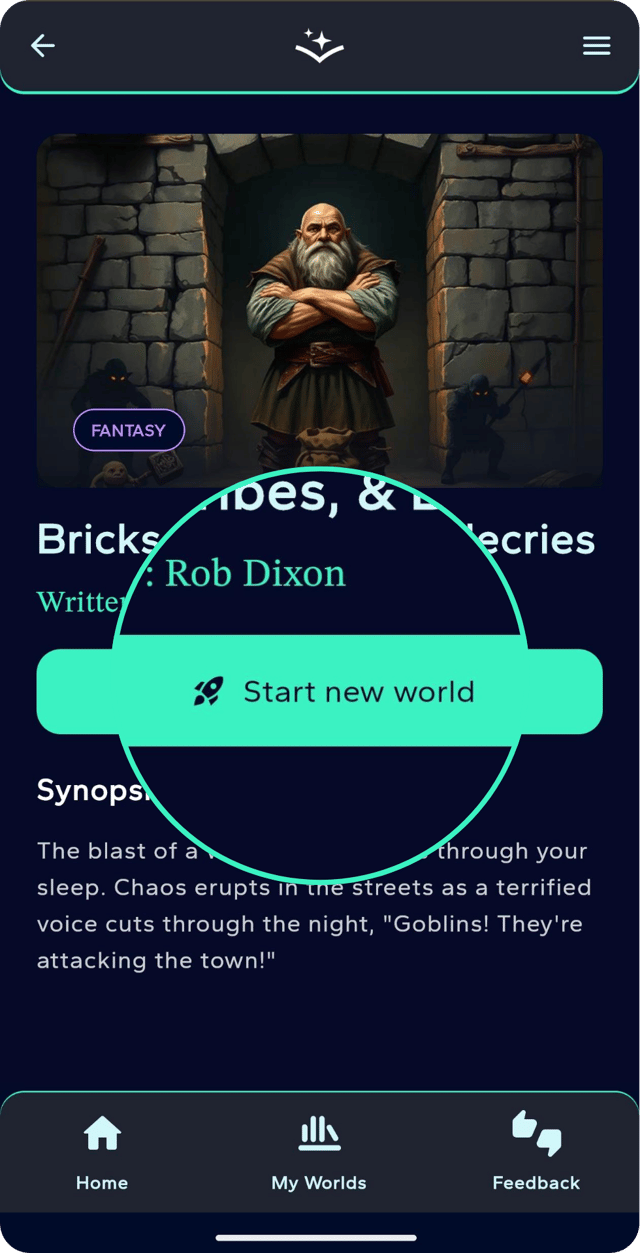
Once you’ve picked your epic quest, just hit that “Start new world” button. Voilà, your new save is tucked away in “My Worlds,” safe and sound like a hobbit in its burrow. Our storytelling wizard is ready to whisk you away. Just hit “I’m ready” before your magical seat goes poof—three minutes, folks!