Overview
Imagine each world as a chapter in the grand diary of your gaming journey—each save is a new page filled with adventures and tales waiting to be told! These chapters spring to life effortlessly, crafted automatically as you progress on your quests.

Step-by-Step Guide
- 1
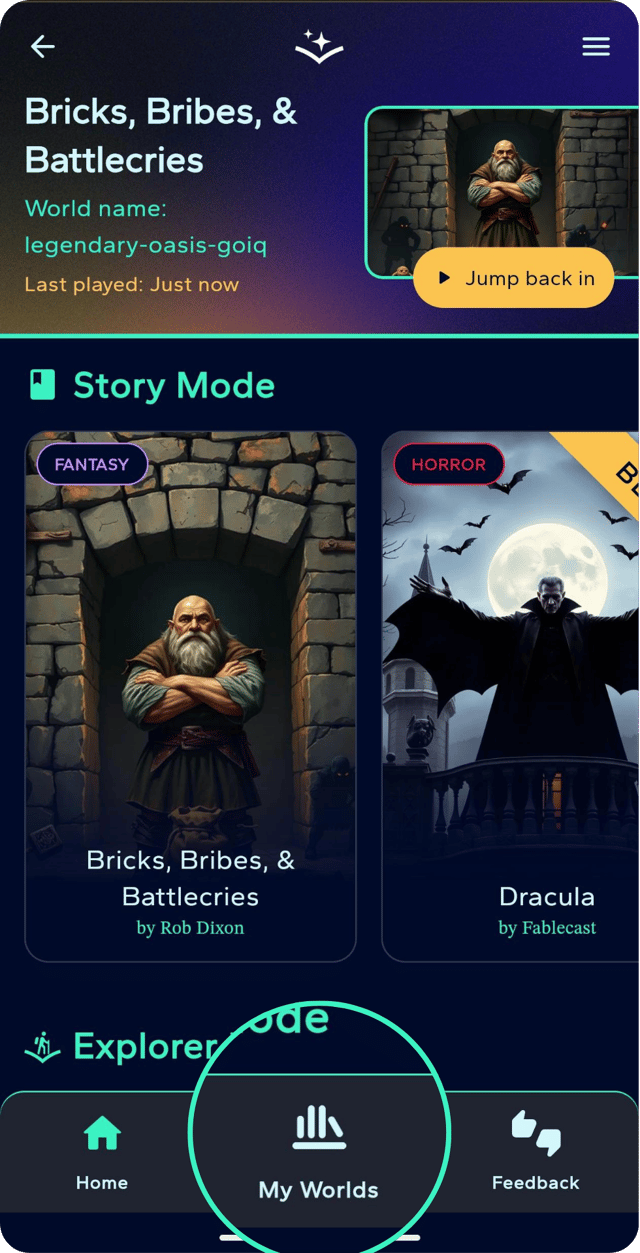
Finding your worlds
To delve into these tales, simply venture to the "my worlds" section nestled on the menu bar.
- 2
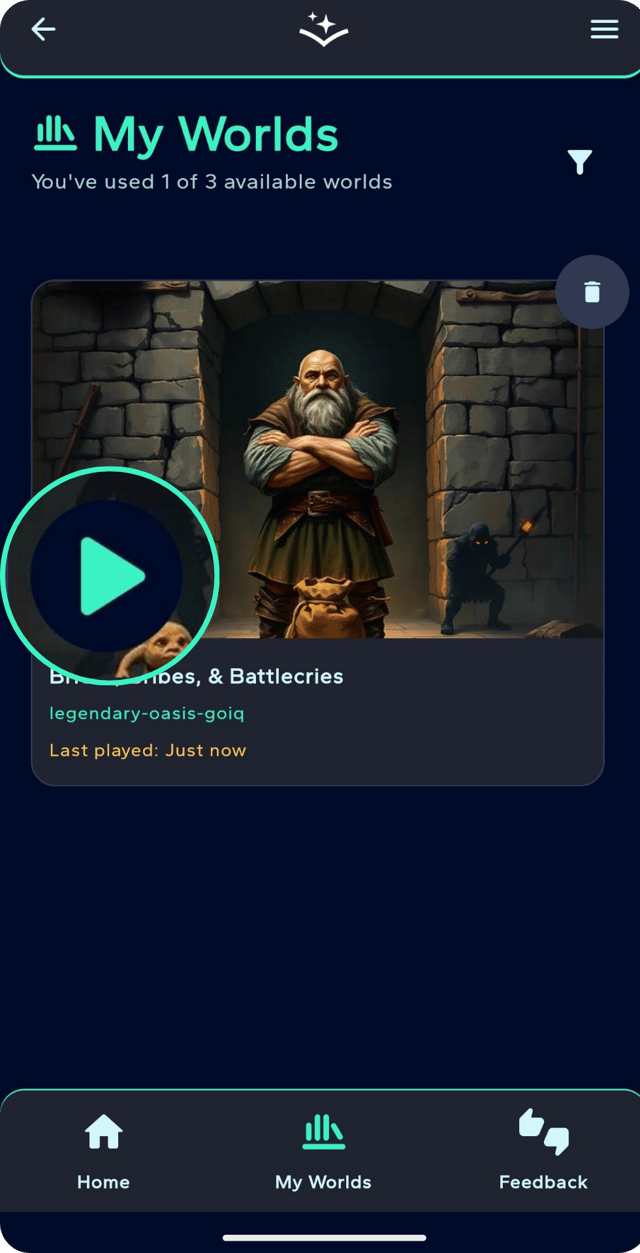
Resume playing
When you're ready to continue your epic saga, just click the play button, and let your story unfold.
- 3
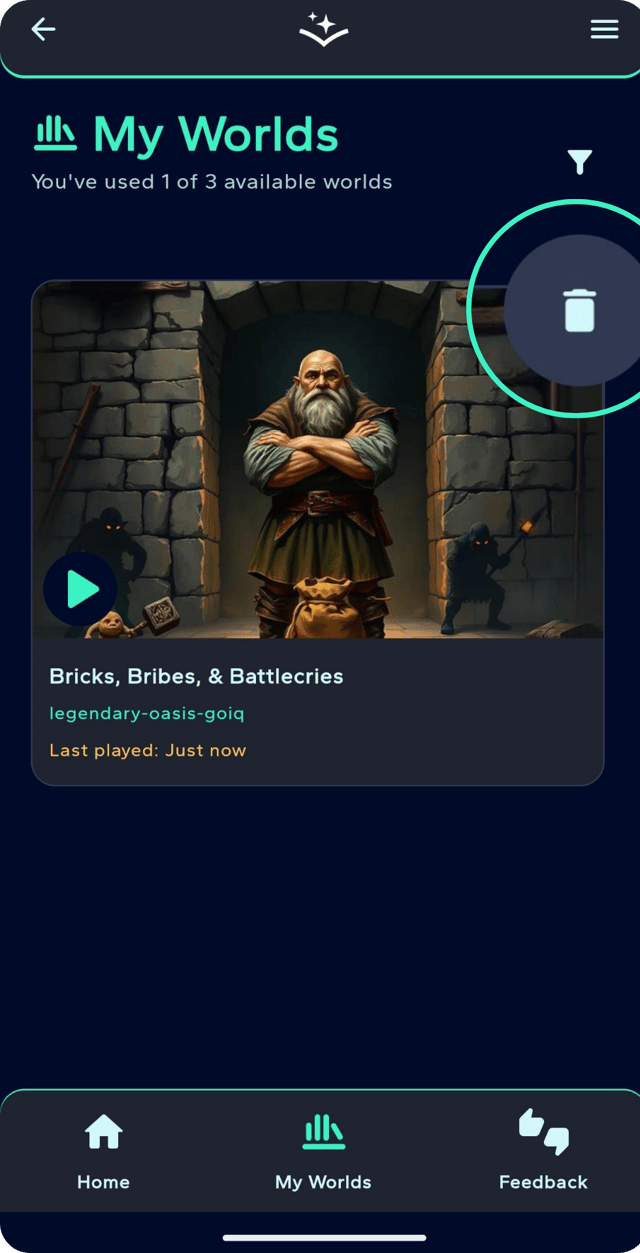
Deleting a world
Should a world need to be retired, the bin button is your tool for clearing space for new adventures. Keep in mind, like a well-organized library, you can have a maximum of three worlds at your disposal at any one time!