Answer
- 1
Open the Settings Page
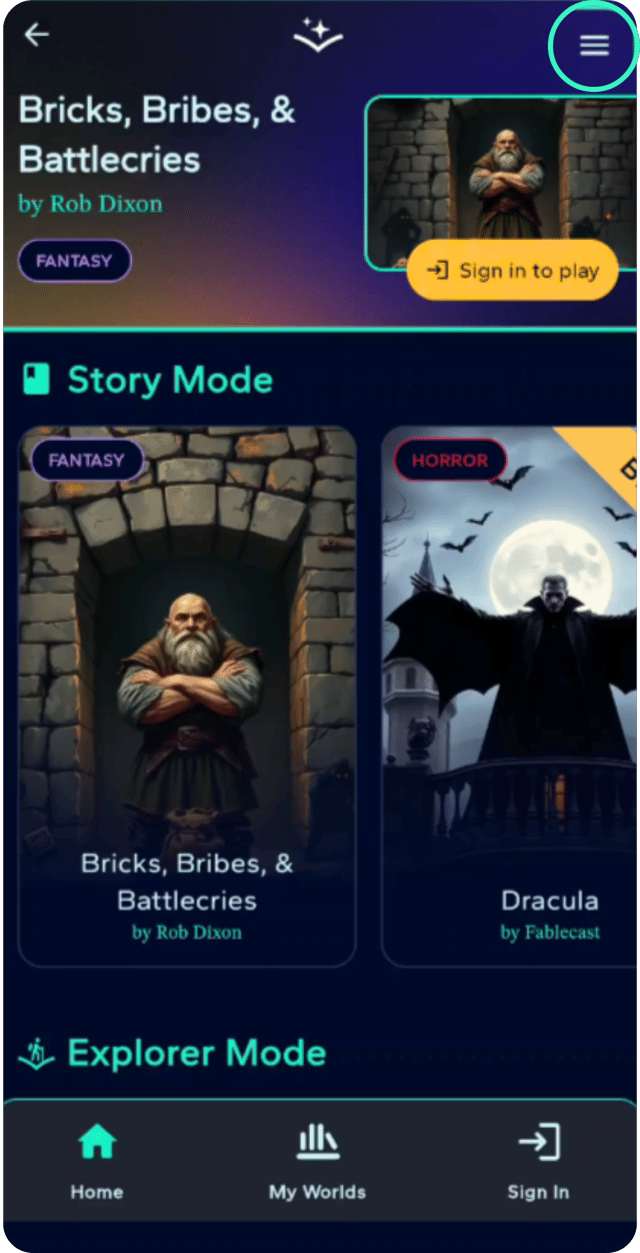
Navigate to the Settings page using the menu (three horizontal lines) in the top right corner of the app.
- 2
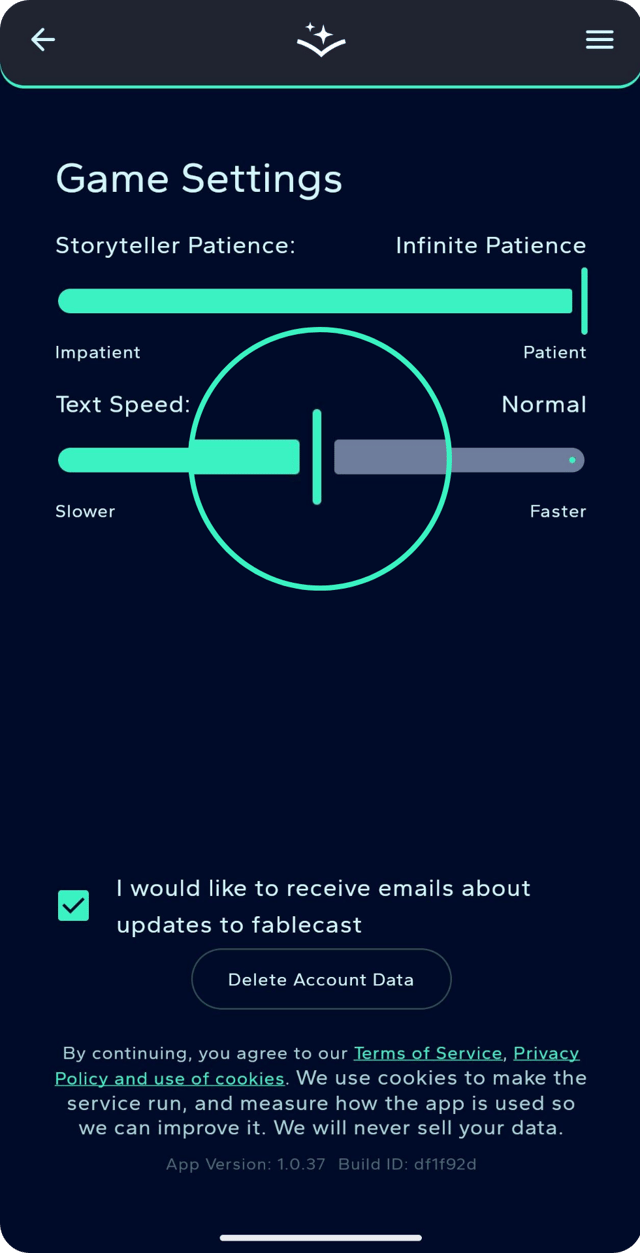
Uncheck the Subscription Box
Click on the checkbox next to "I would like to receive updates about Fablecast". Once we register your removal the box will clear and you won't receive any more update emails. It's a simple as that. We may need to contact you about your account still but this will only be used when we really need to.