Answer
- 1
Are you using an In-App browser?
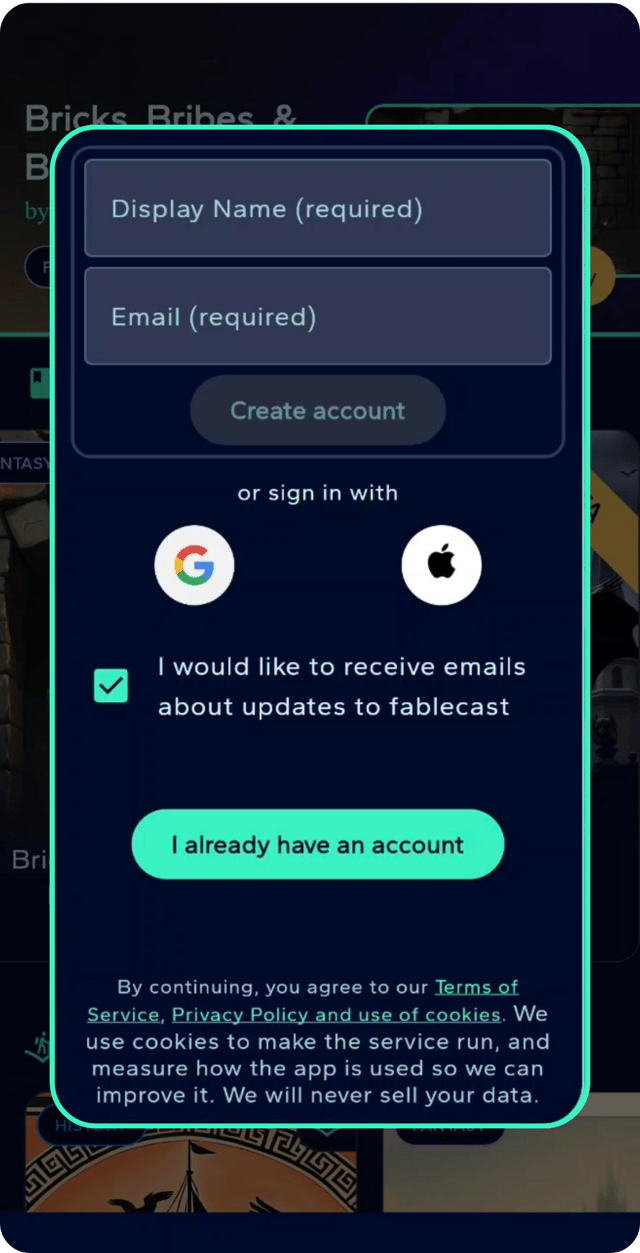
If you found Fablecast via social media it's possible you're using the app inside another app's web browser. Often this prevents access to features like Continue with Google or Continue with Apple, that would otherwise allow you to login without sharing a password with us. Instead, you can login with your email address and a magic link will be sent you. You can either click the link you receive or enter the code you'll find in the email. Don't worry about your saved games, we using your email address as your username. If you want to login with Google or Apple at later date just make sure you're using the same email address and your games will be waiting for you.
- 2
Are you using Safari?
Safari, and some other browser, prevent pop-ups by default. For security reasons we open the Login with Google and Login with Apple forms in a new window and only receive their authorisation. We never see your login to those providers. Please enable pop-ups so they browser window can open.
- 3
Check your email address
If you're logging in by email please double check you entered the correct email address.